Warning: preg_match_all(): Compilation failed: PCRE2 does not support \F, \L, \l, \N{name}, \U, or \u at offset 96 in /www/wwwroot/blog.z6mc.net/wp-content/plugins/tencentcloud-cos/class-tencent-cloud-cos.php on line 503
Warning: preg_match_all(): Compilation failed: PCRE2 does not support \F, \L, \l, \N{name}, \U, or \u at offset 70 in /www/wwwroot/blog.z6mc.net/wp-content/plugins/tencentcloud-cos/class-tencent-cloud-cos.php on line 523
1、开通好产品,使用远程桌面进行临时连接
①加载云淘宝购买、一键远程桌面使用教程(Windows客户端版本)
2、进入远程后打开预装好的向日葵
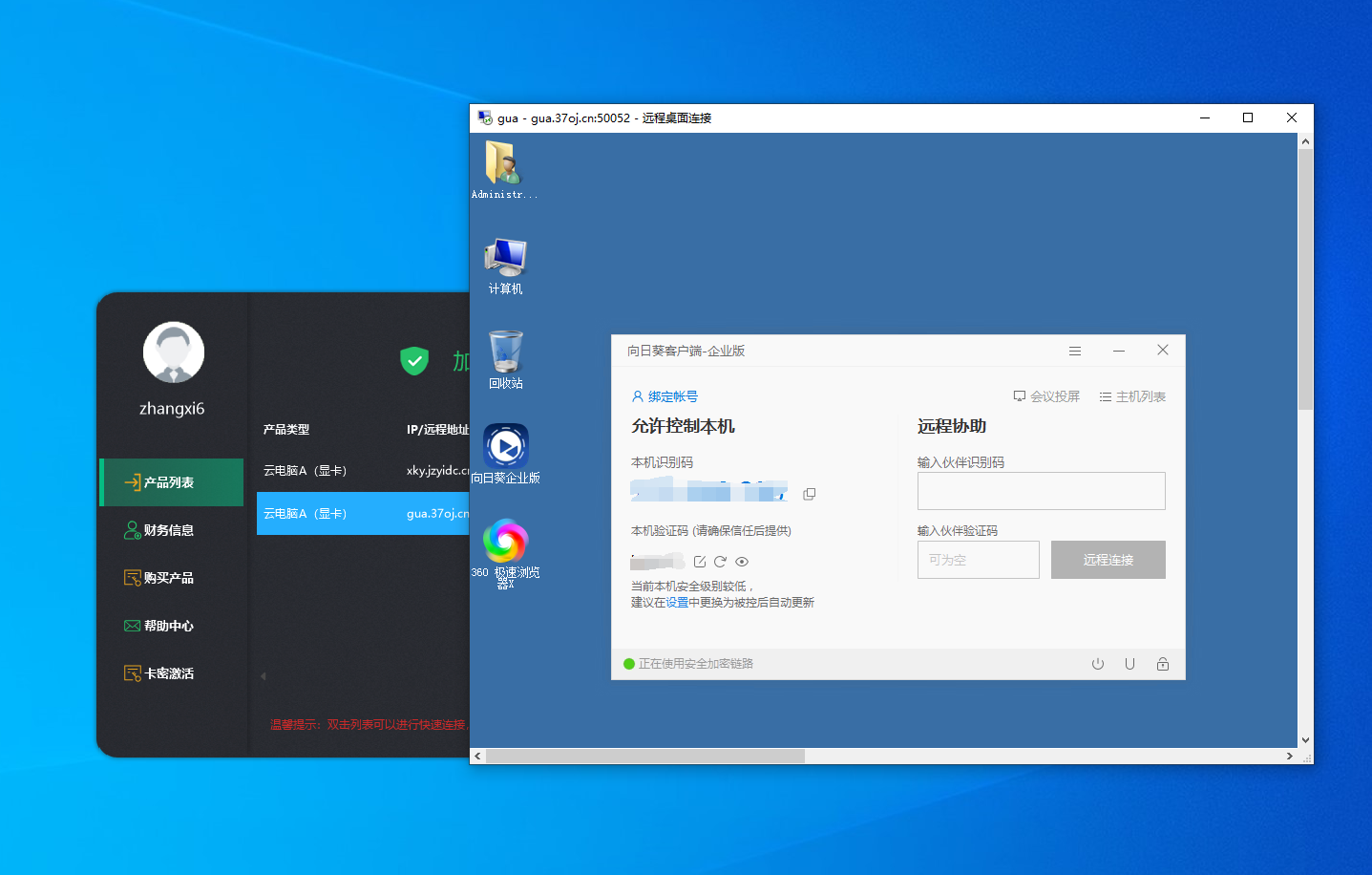
3、记下向日葵识别码,验证码后,重启云电脑,使用向日葵远程
重点内容
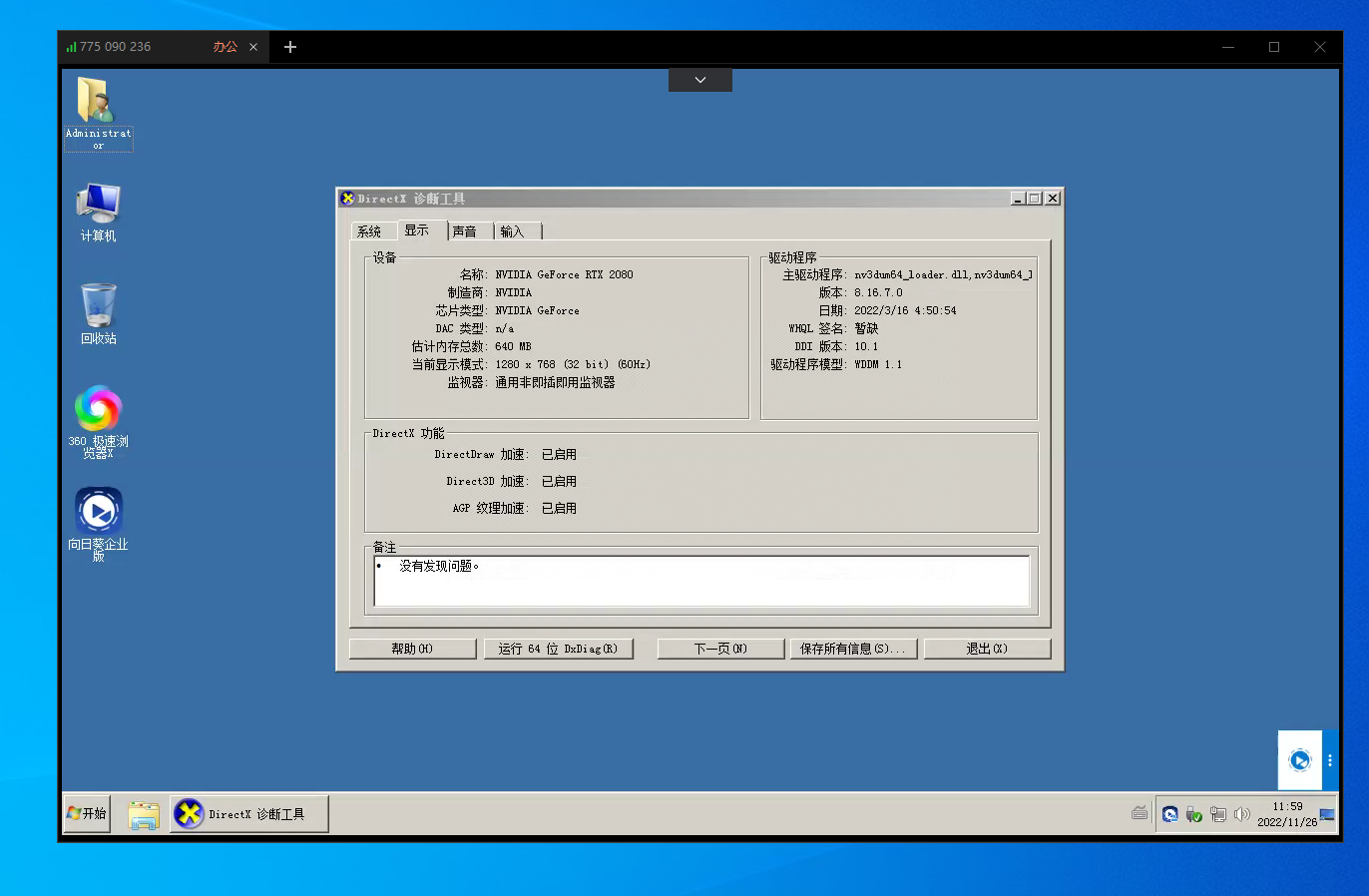
重要的事情说三次,远程桌面与显卡不兼容,使用远程桌面会导致显卡驱动无法正常工作,一定要重启云电脑,使用向日葵或者/TD等方式进行连接
重要的事情说三次,远程桌面与显卡不兼容,使用远程桌面会导致显卡驱动无法正常工作,一定要重启云电脑,使用向日葵或者/TD等方式进行连接
重要的事情说三次,远程桌面与显卡不兼容,使用远程桌面会导致显卡驱动无法正常工作,一定要重启云电脑,使用向日葵或者/TD等方式进行连接
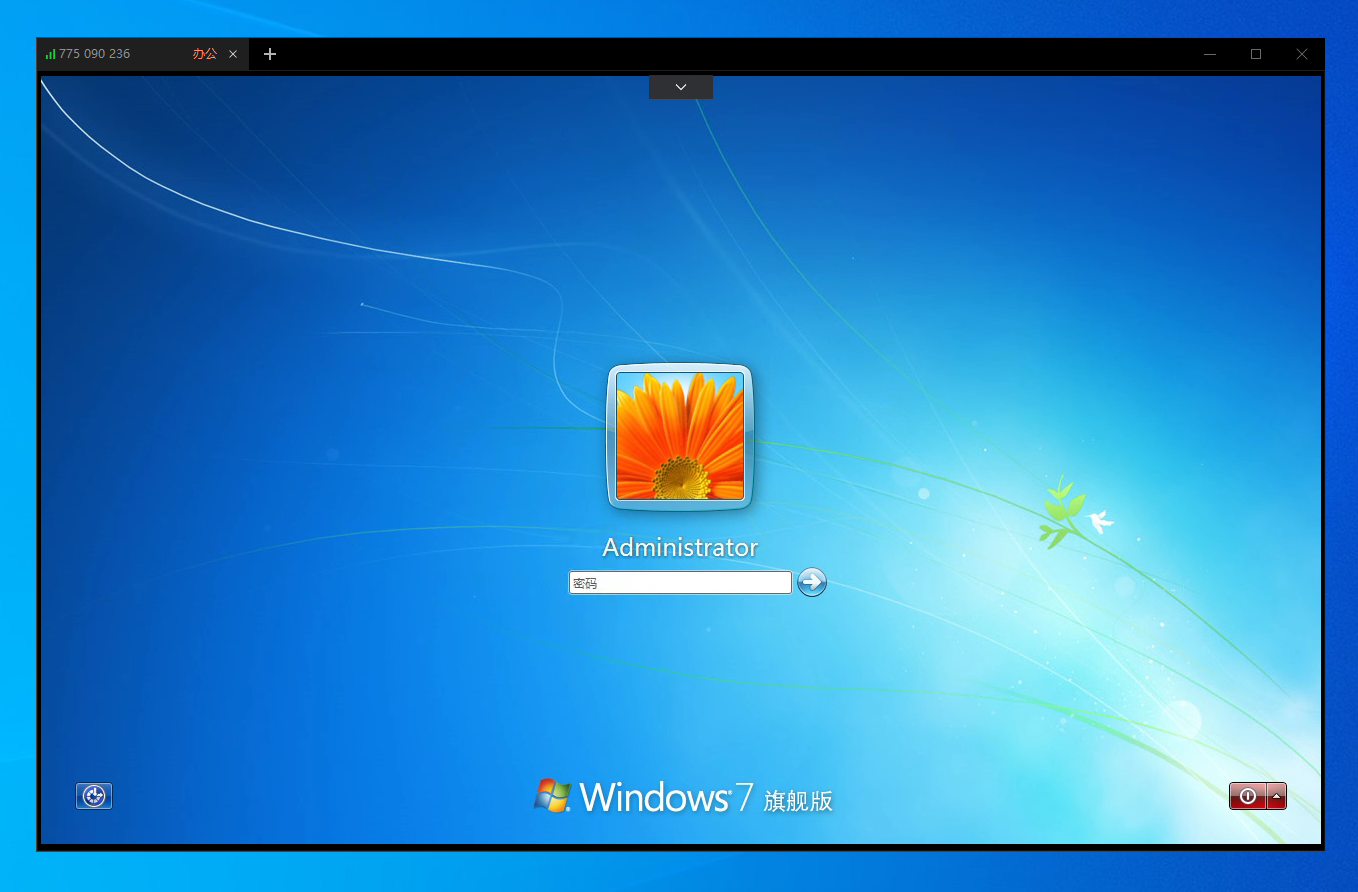
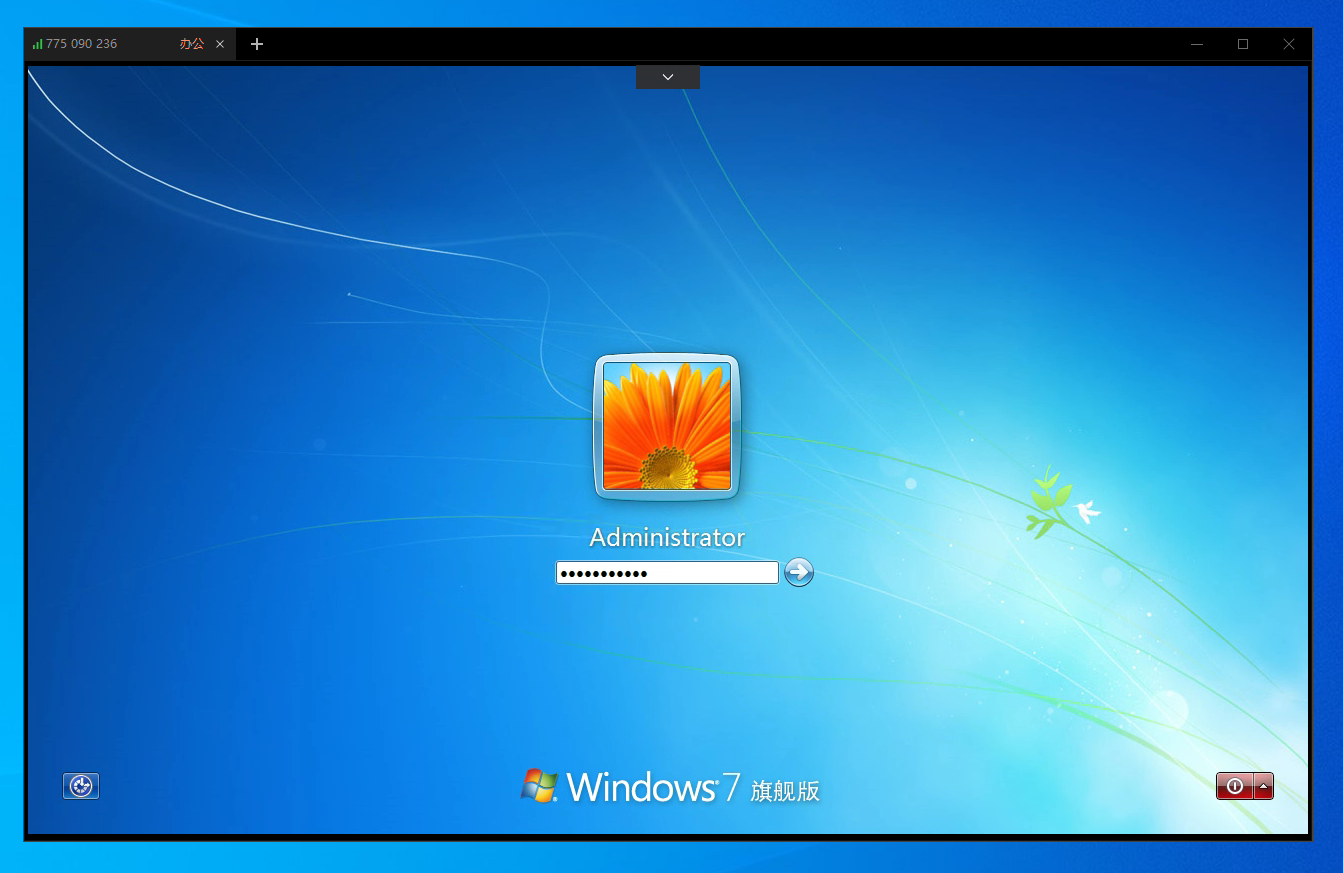
4、打开管理工具,右键列表,复制密码,再把密码手动输入到远程电脑里面即可



文章评论